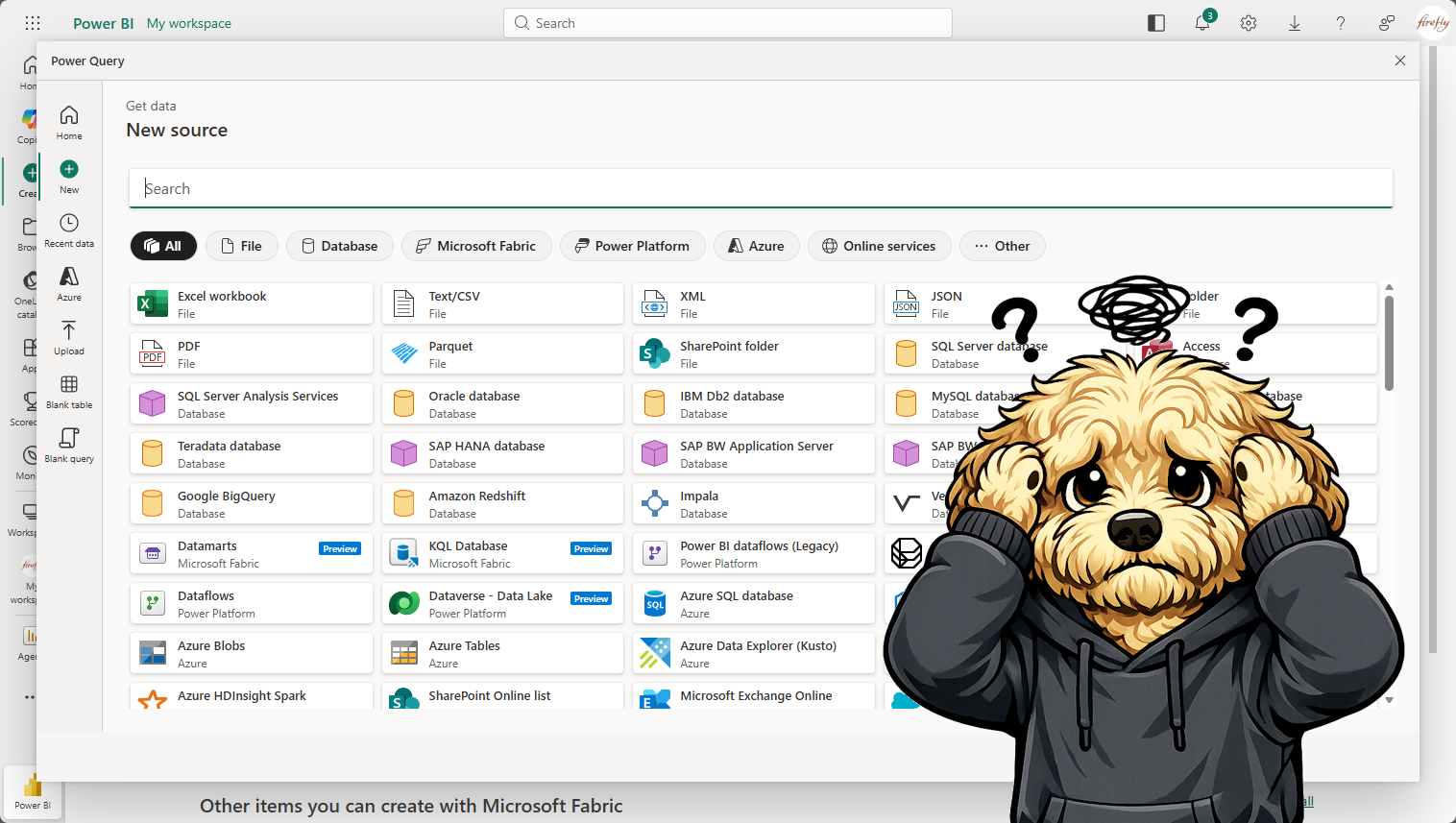
I wanted to create my own Power BI 📊 report from the data collected by the Copilot Studio Kit. To start with I just wanted a list of agents, and that data was stored in the Agent Details table in Dataverse. I hopped over to My workspace in Power BI, and clicked New Item. 🛠️…
Category: Power Platform
Adventures with Copilot Studio: Oh Analytics! Where are Thou?
The analytics story with Copilot Studio, let’s say, is a bit challenging, with the information spread across various tools, such as, the Power Platform Admin Center, Agent 365, Teams Admin Center, Purview, Copilot Studio Kit, etc. 📈 With that being said, the purpose of this article is to help navigate 🧭 where to find the…
Adventures with Copilot Studio: Oh Analytics! Where are Thou? — How to see a list of agents?
How can I see a complete list of agents?🤔 Power Platform Admin Center In the Power Platform Admin Center, click Manage and then click Copilot Studio, this will show agents created in Copilot Studio and Microsoft 365 Copilot. Microsoft 365 Admin Center In the Microsoft 365 Admin Center, click Agents and All agents. This will…
Adventures with Copilot Studio: Teams and Microsoft 365 Copilot Channel Challenges
I created a custom engine Agent with Copilot Studio, which I successfully deployed to the Teams and Microsoft 365 Copilot channel.🥳 I configured the Teams and Microsoft 365 Copilot channel to Show to everyone in my org. This meant I had to Submit it for admin approval, where it would need to be approved in…
Adventures with Power Automate: How to Handle AutoSave in Office Documents
⚔️Problem Users are updating an Excel spreadsheet that contains a list of Invoices. When users are completed with their changes, the changes will be sent to a third-party system using either Azure Data Factory or Fabric Pipelines. This will be accomplished by creating a Power Automate flow that will monitor updates in the Excel spreadsheet….
Adventures with Copilot Studio: Using an RSS Feed as a Knowledge Source
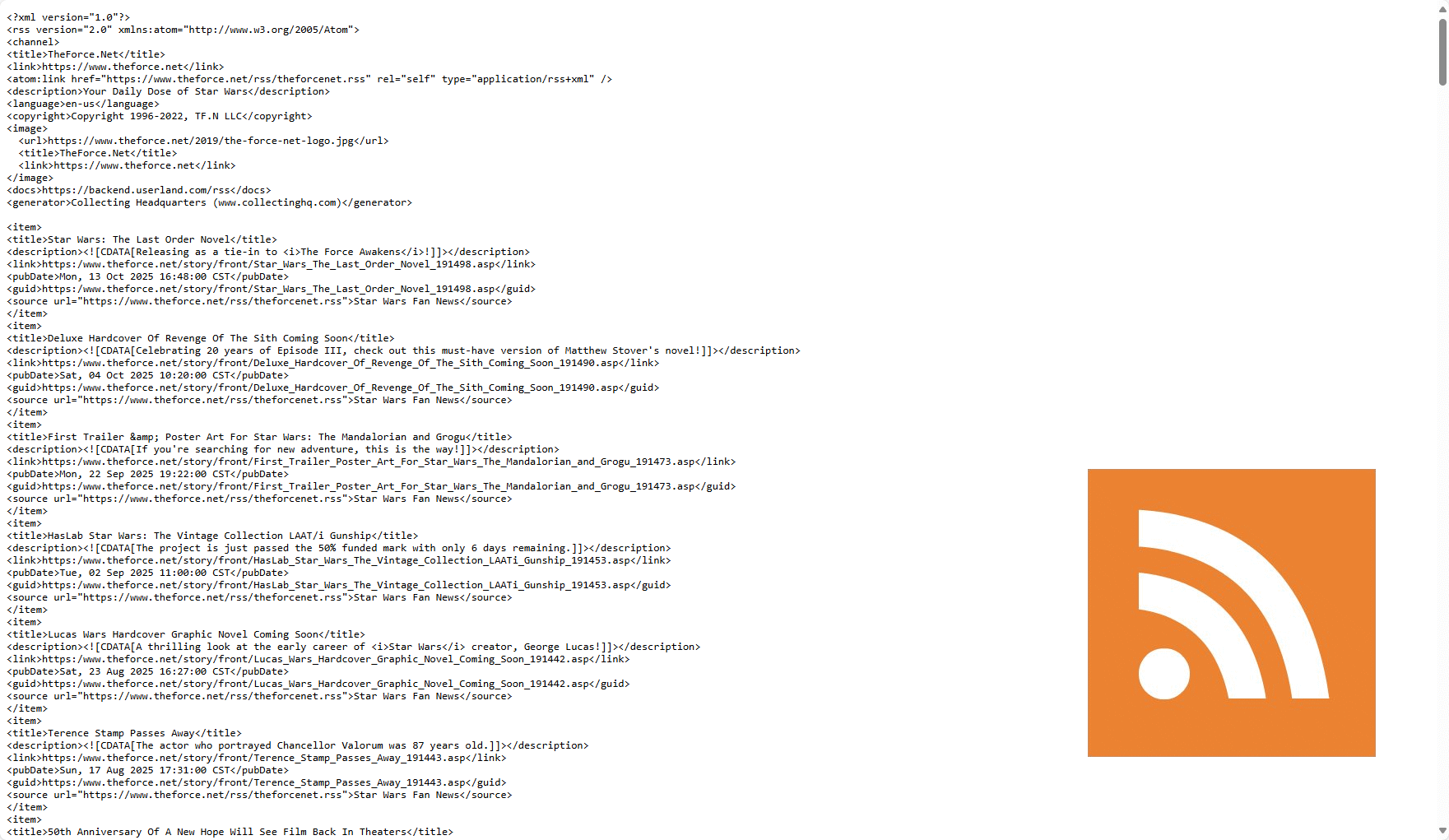
Is it possible to use an RSS Feed as a knowledge source in Copilot Studio? The short answer, no. ☹️ There is no way to add an RSS Feed as a knowledge source like you would with a public website, SharePoint site, Dataverse, etc. This got me to thinking, I can create an Agent Flow…
Adventures with Copilot Studio: Customizing the End of Conversation Topic
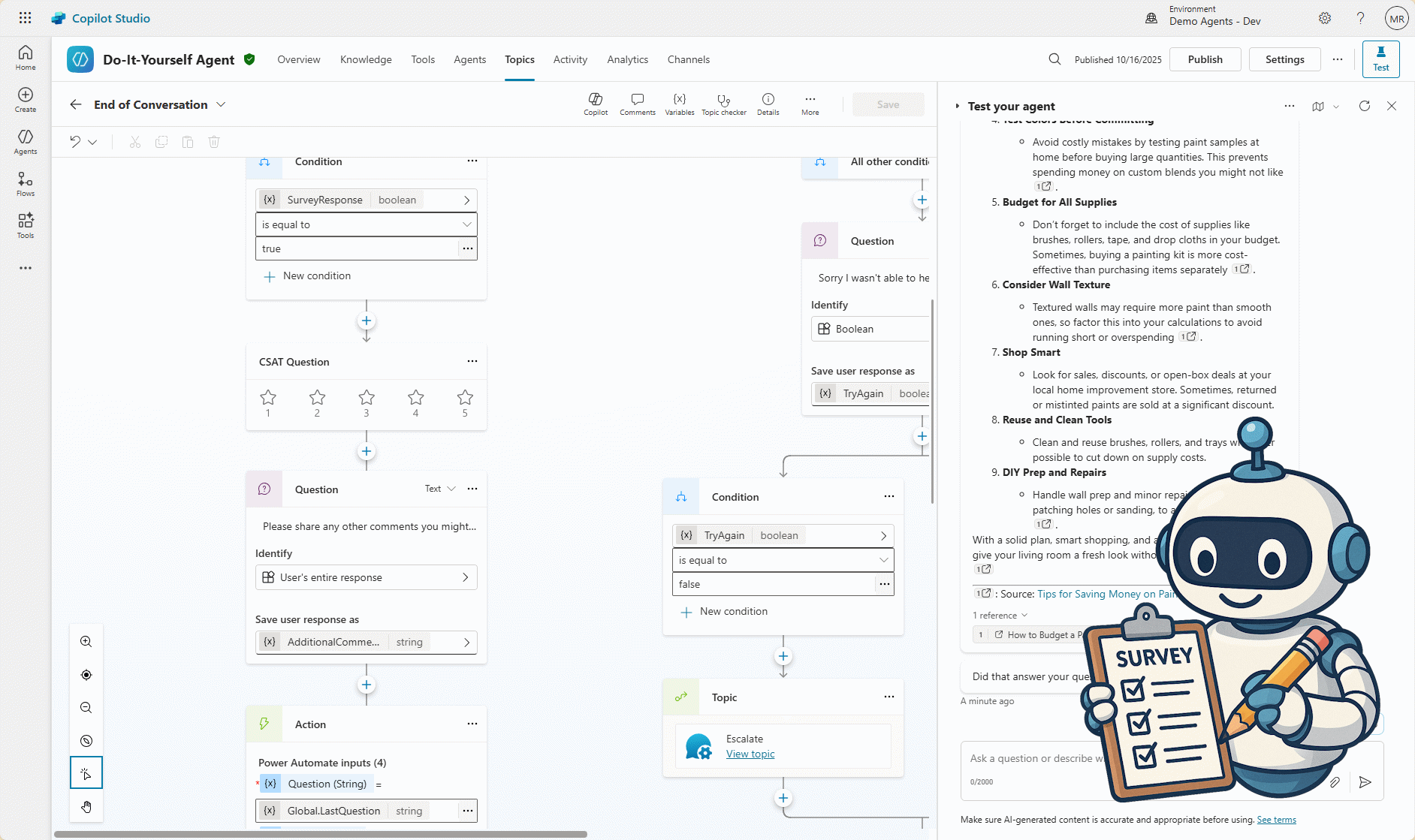
I created a custom agent in Copilot Studio, called Do-It-Yourself Agent, to answer questions related to DIY projects, like: Download the solution at https://mattruma.com/wp-content/uploads/2025/10/DoItYourselfAgentSolution_1_0_0_1.zip. ⬇️ One thing I wanted to do with this agent was whenever a generative answer was provided, I wanted to capture the following in a Dataverse table: Agent Configuration I add…
Adventures with Copilot Studio: File Uploads and Prompts
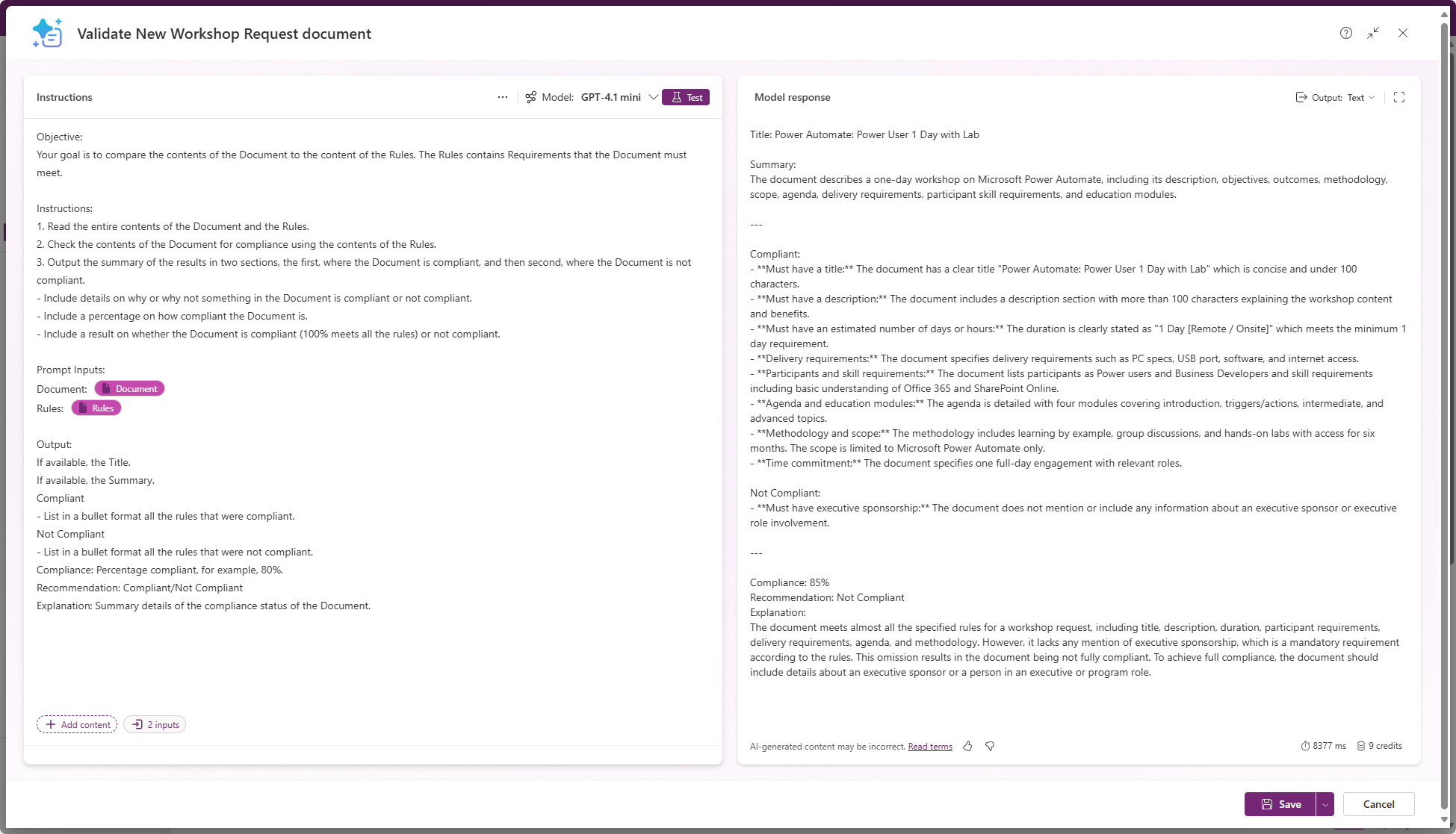
I want to add some additional functionality to the autonomous agent I created in my last post, Adventures with Copilot Studio: My First Autonomous Agent, I wanted to allow the user to upload a document and then validate whether the document was compliant or not. ✔️ The uploaded document, Workshop Data Sheet, would include all…
Adventures with Copilot Studio: My First Autonomous Agent
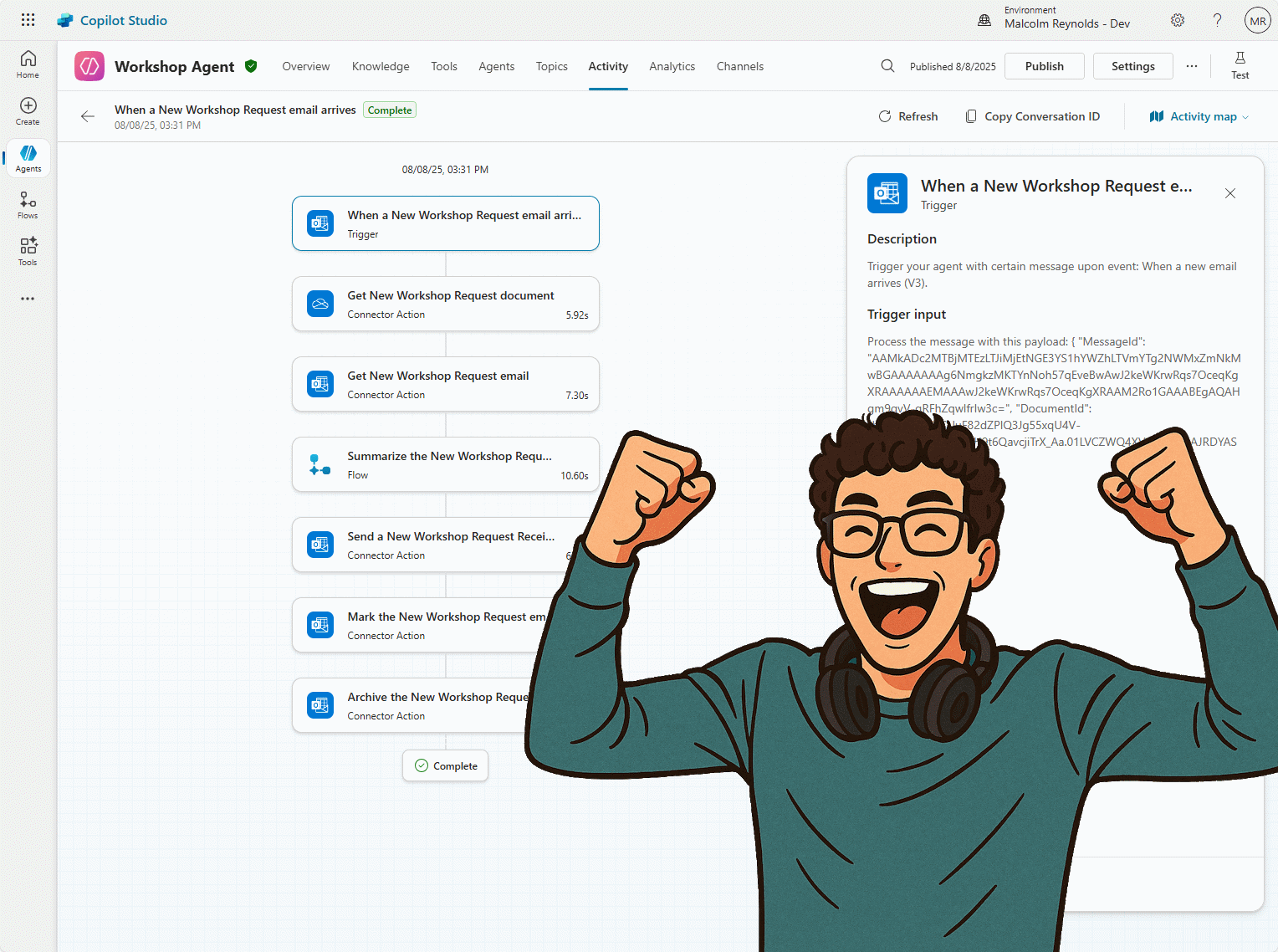
Been awhile since my last post, work and time off have been consuming a lot of my time. That being said, lately I have been doing a lot with Copilot Studio, so I thought I would share with you my first autonomous agent created with Copilot Studio. 👏 Before we get started, let’s answer the…
Adventures with Canvas Apps: Fun with Canvas Components
These are just my notes on a couple of different ways to implement Canvas Components and grow into more complex solutions, such as Component Libraries. Board Game Nerd Solution (Data) The Board Game Nerd Solution (Data) includes the core components for Tables and Security Roles. Download the solution at https://mattruma.com/wp-content/uploads/2025/06/BoardGameNerdSolutionData_1_0_0_3.zip. Board Game Nerd V1 Solution…