Adventures with Power Platform: Deploying the Power Platform Communication Site Template

If you recently tried to deploy the SharePoint template for the Power Platform Communication Site you certainly ran into some errors! ๐Ÿ˜ค Couple of things I had to do to fix the script. ๐Ÿ› ๏ธ First, make sure you create an app registration for interactive login, see Register an Entra ID Application to use with PnP…

Adventures with Copilot Studio: The Right Agent for the Job

I wanted to share a fantastic infographic created by Ragnar Pitla and Tina van Heerden on when to choose a Connected Agent or Child Agent. The original post can be found at https://www.linkedin.com/posts/ragnarpitla_copilotstudio-multiagent-dynamics365-activity-7431727834206887936-n-Qn?utm_source=share&utm_medium=member_desktop&rcm=ACoAAABL96gBbvUghIO-lMxMDBk1EKbNiiclLxc. Based on their excellent work, here is a list of questions that can help you select between a Connected Agent and a…

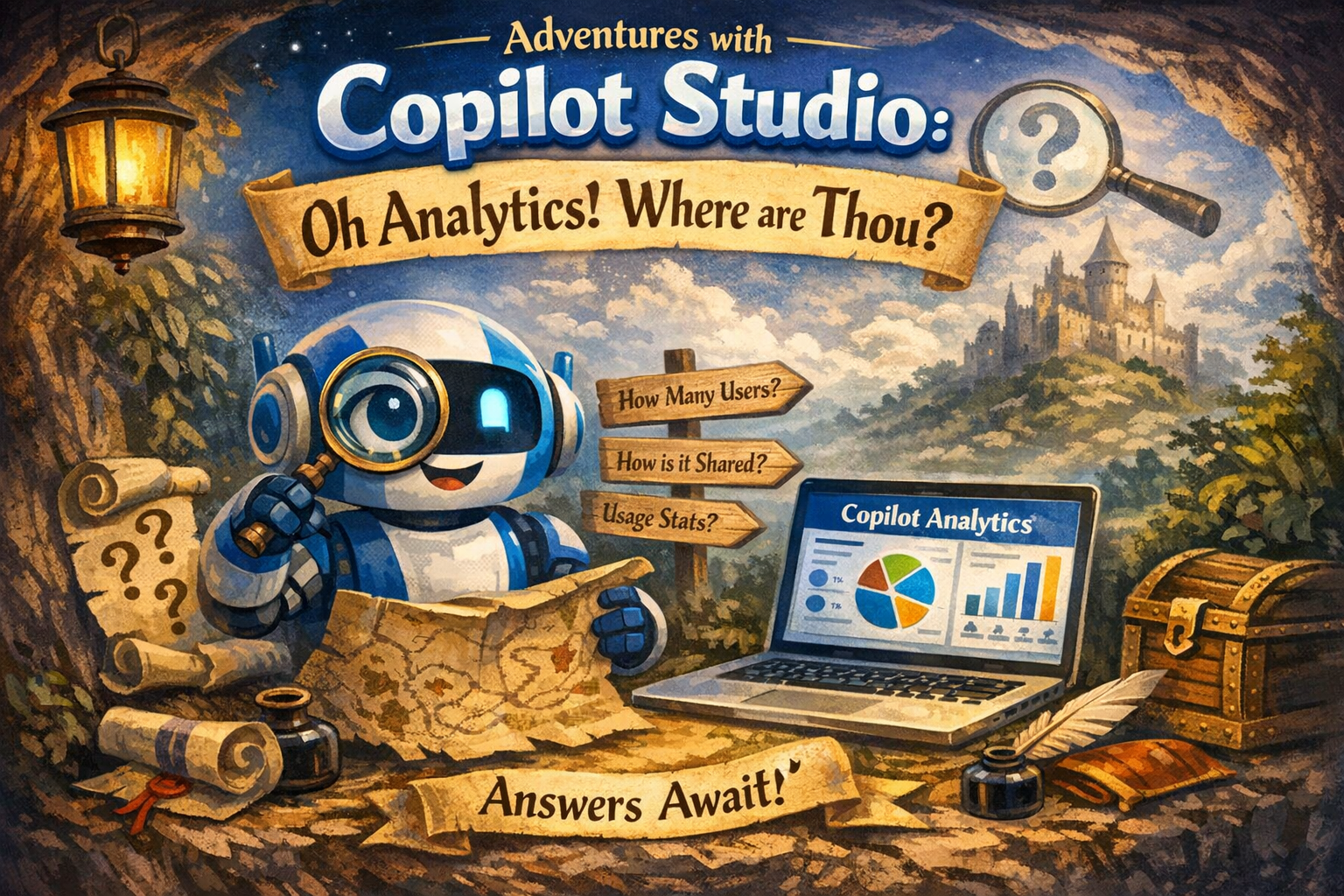
Adventures with Copilot Studio: Oh Analytics! Where are Thou?

The analytics story with Copilot Studio, let’s say, is a bit challenging, with the information spread across various tools, such as, the Power Platform Admin Center, Agent 365, Teams Admin Center, Purview, Copilot Studio Kit, etc. ๐Ÿ“ˆ With that being said, the purpose of this article is to help navigate ๐Ÿงญ where to find the…

Adventures with Copilot Studio: Oh Analytics! Where are Thou?ย โ€”ย How to see a list of agents?

How can I see a complete list of agents?๐Ÿค” Power Platform Admin Center In the Power Platform Admin Center, click Manage and then click Copilot Studio, this will show agents created in Copilot Studio and Microsoft 365 Copilot. Microsoft 365 Admin Center In the Microsoft 365 Admin Center, click Agents and All agents. This will…

Adventures with Power Automate: How to Handle AutoSave in Office Documents

โš”๏ธProblem Users are updating an Excel spreadsheet that contains a list of Invoices. When users are completed with their changes, the changes will be sent to a third-party system using either Azure Data Factory or Fabric Pipelines. This will be accomplished by creating a Power Automate flow that will monitor updates in the Excel spreadsheet….