
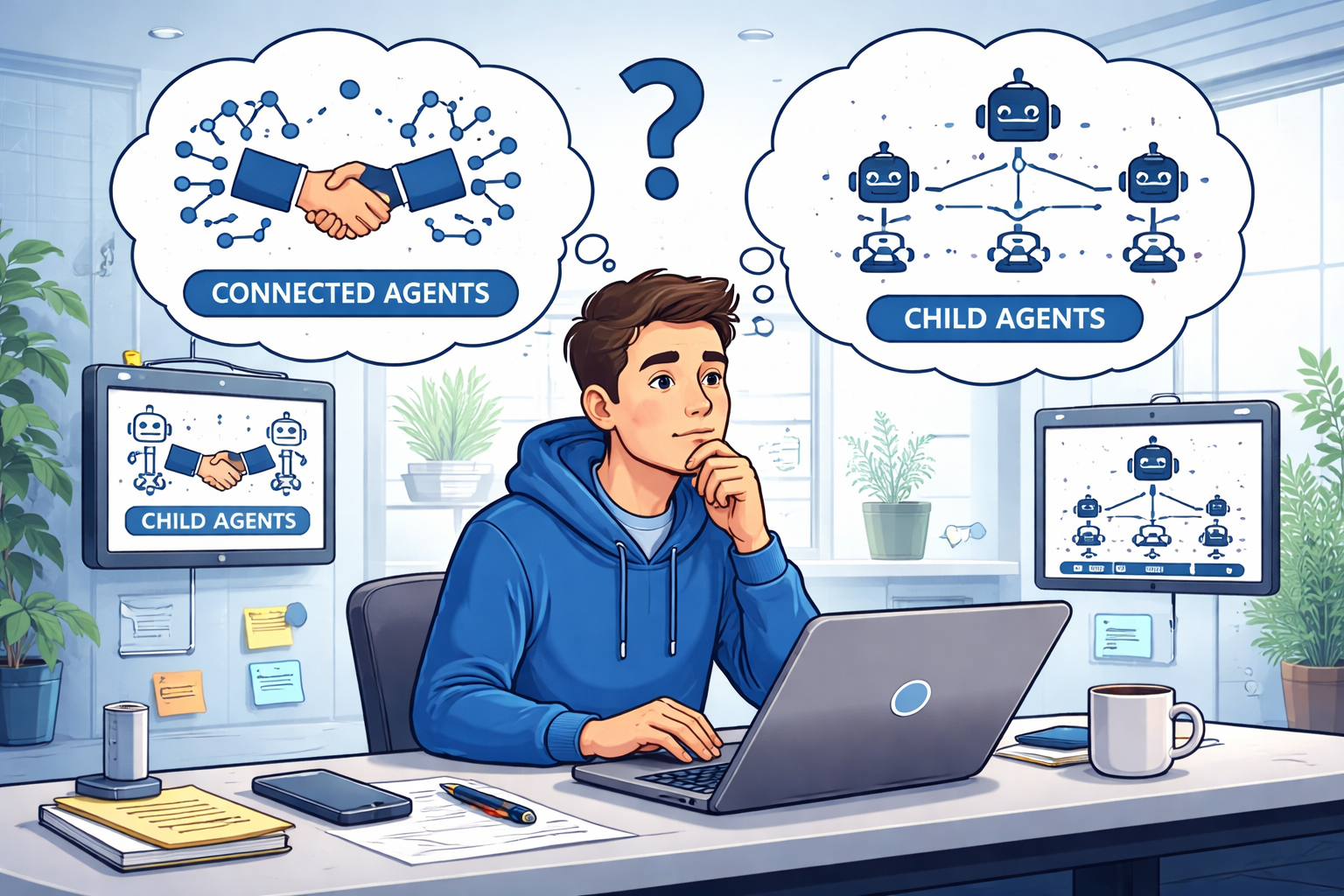
I wanted to share a fantastic infographic created by Ragnar Pitla and Tina van Heerden on when to choose a Connected Agent or Child Agent.
The original post can be found at https://www.linkedin.com/posts/ragnarpitla_copilotstudio-multiagent-dynamics365-activity-7431727834206887936-n-Qn?utm_source=share&utm_medium=member_desktop&rcm=ACoAAABL96gBbvUghIO-lMxMDBk1EKbNiiclLxc.

Based on their excellent work, here is a list of questions that can help you select between a Connected Agent and a Child Agent.
Are you crossing a system or domain boundary?
Examples:
- CRM → Finance
- HR → IT
- Sales → Operations
✅ Use a 🛜 Connected Agent
Is this work staying inside the same business domain?
Ask yourself:
- Is this part of one larger workflow?
- Is the functionality closely tied to the parent agent?
- Would separating it just improve modularity?
Examples:
- Tax calculation inside an order process
- Discount logic for purchases
- Approval workflows in the same system
✅ Use a 👦 Child Agent
Will a different team own or maintain this capability?
Ask yourself:
- Will another team build or maintain this agent?
- Does it belong to a different system or product area?
✅ Use a 🛜 Connected Agent
Does the capability need its own lifecycle?
Ask yourself:
- Does it need to be published independently?
- Will it have a separate ALM pipeline?
- Should it be reusable across multiple agents?
✅ Use a 🛜 Connected Agent
Is this simply a modular sub-task of a larger agent?
Ask yourself:
- Is this part of one larger workflow?
- Is the functionality closely tied to the parent agent?
- Would separating it just improve modularity?
Examples:
- Tax calculation
- Discount evaluation
- Order approval
✅ Use a 👦 Child Agent
Can my agent use both?
Absolutely! You’ll find that as your Agent ecosystem matures that it will be quite common for your Agents to use both🛜 Connected Agent and 👦 Child Agents.
Discover more from Matt Ruma
Subscribe to get the latest posts sent to your email.