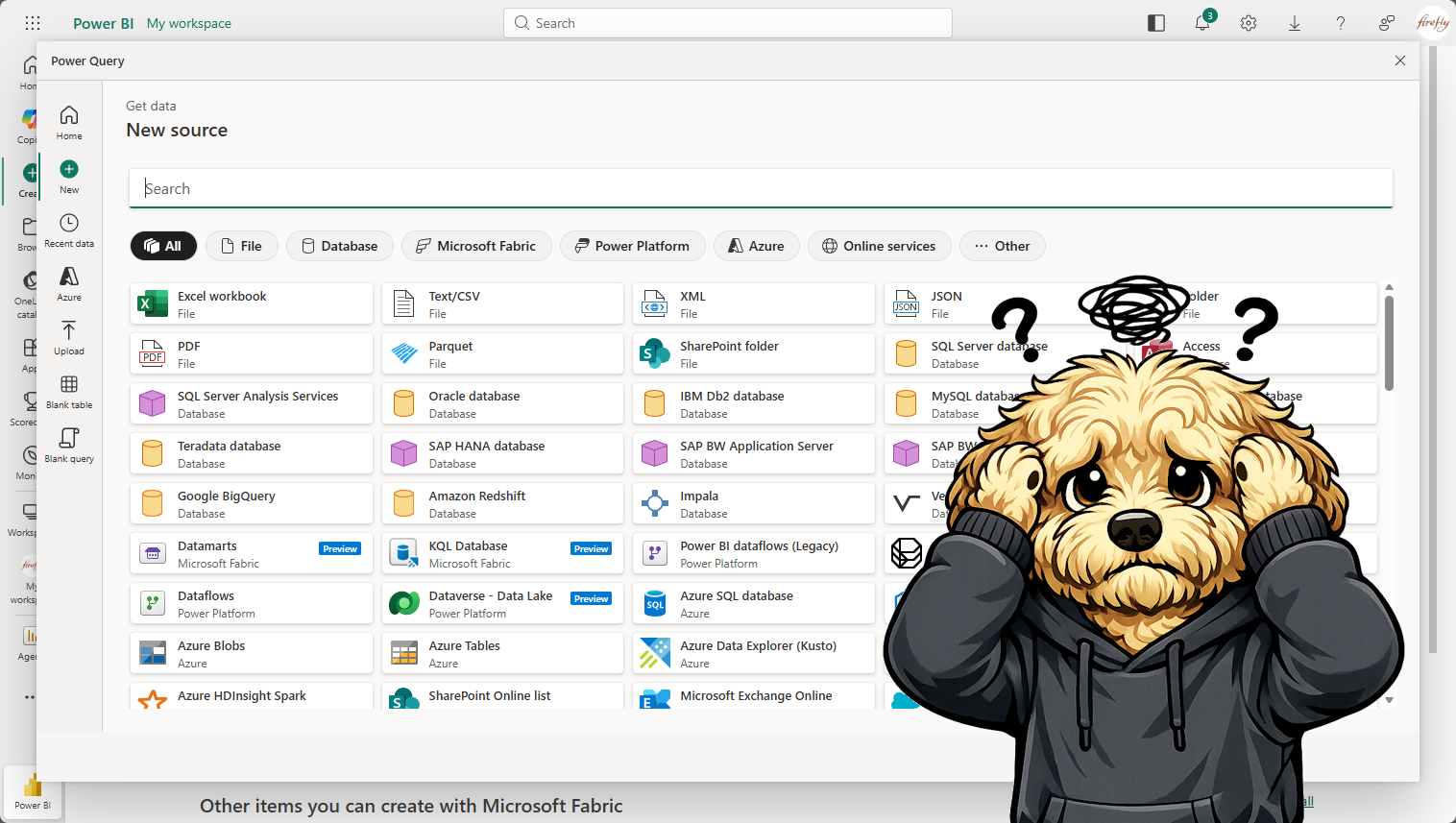
I wanted to create my own Power BI 📊 report from the data collected by the Copilot Studio Kit. To start with I just wanted a list of agents, and that data was stored in the Agent Details table in Dataverse. I hopped over to My workspace in Power BI, and clicked New Item. 🛠️…
Month: February 2026
Adventures with Copilot Studio: Oh Analytics! Where are Thou?
The analytics story with Copilot Studio, let’s say, is a bit challenging, with the information spread across various tools, such as, the Power Platform Admin Center, Agent 365, Teams Admin Center, Purview, Copilot Studio Kit, etc. 📈 With that being said, the purpose of this article is to help navigate 🧭 where to find the…
Adventures with Copilot Studio: Oh Analytics! Where are Thou? — How to see a list of agents?
How can I see a complete list of agents?🤔 Power Platform Admin Center In the Power Platform Admin Center, click Manage and then click Copilot Studio, this will show agents created in Copilot Studio and Microsoft 365 Copilot. Microsoft 365 Admin Center In the Microsoft 365 Admin Center, click Agents and All agents. This will…
Adventures with Copilot Studio: Teams and Microsoft 365 Copilot Channel Challenges
I created a custom engine Agent with Copilot Studio, which I successfully deployed to the Teams and Microsoft 365 Copilot channel.🥳 I configured the Teams and Microsoft 365 Copilot channel to Show to everyone in my org. This meant I had to Submit it for admin approval, where it would need to be approved in…